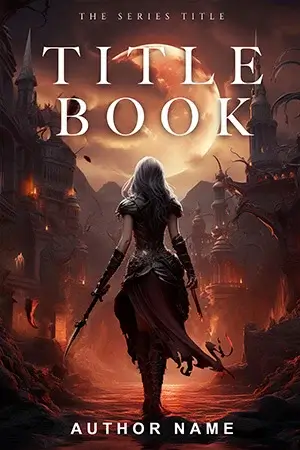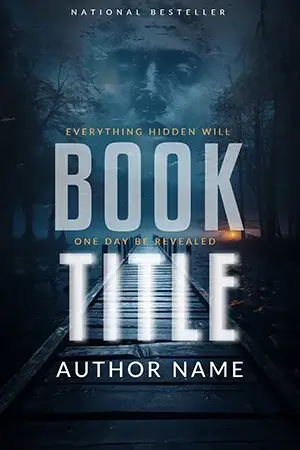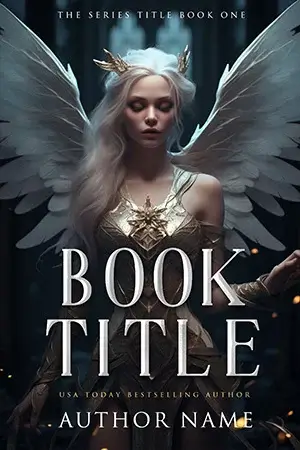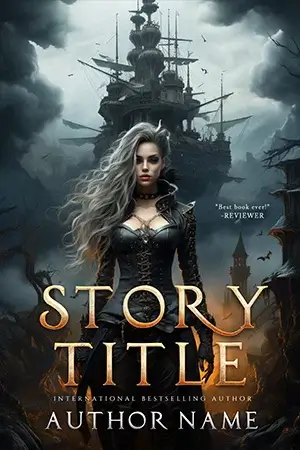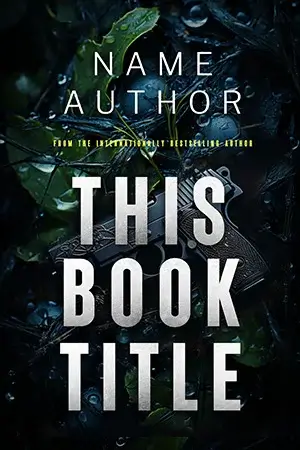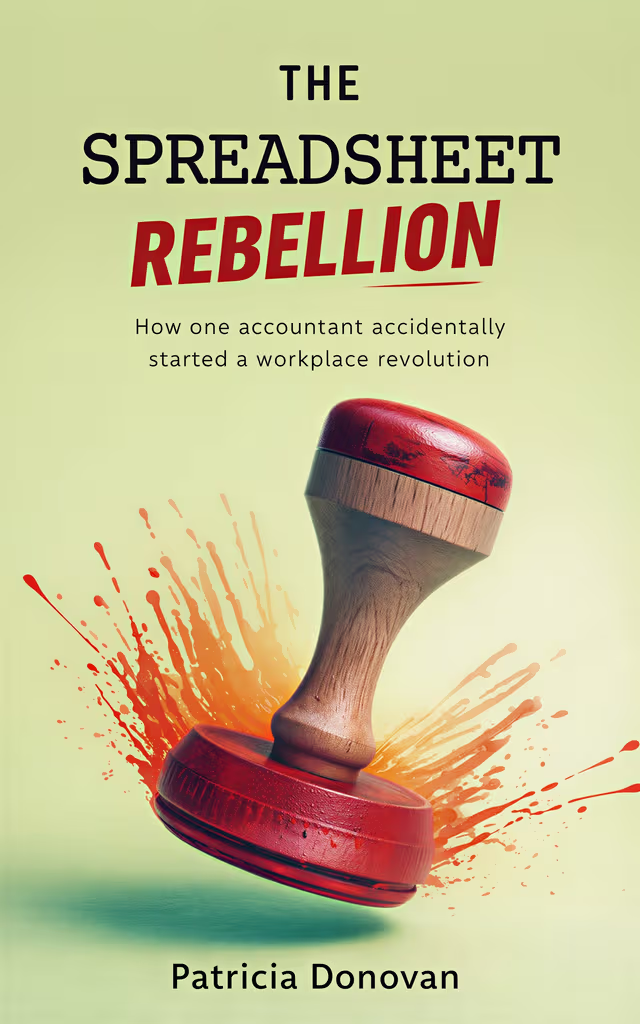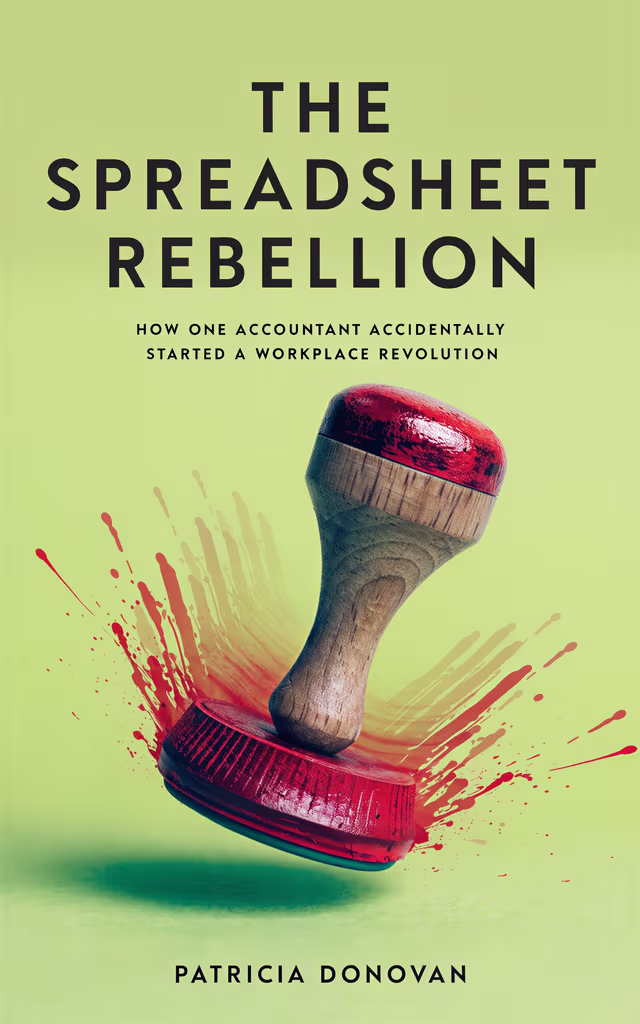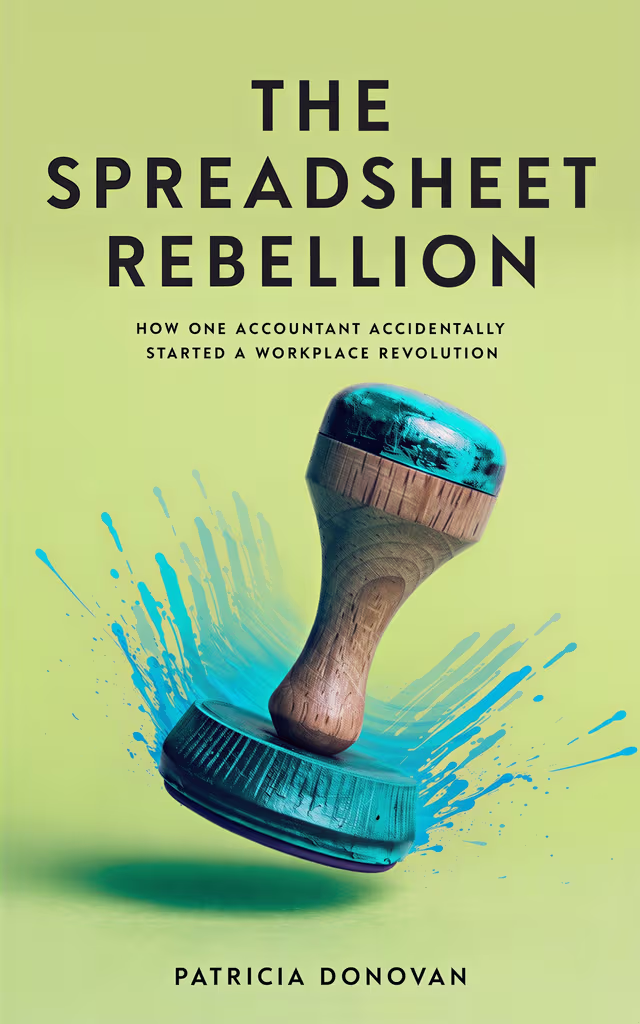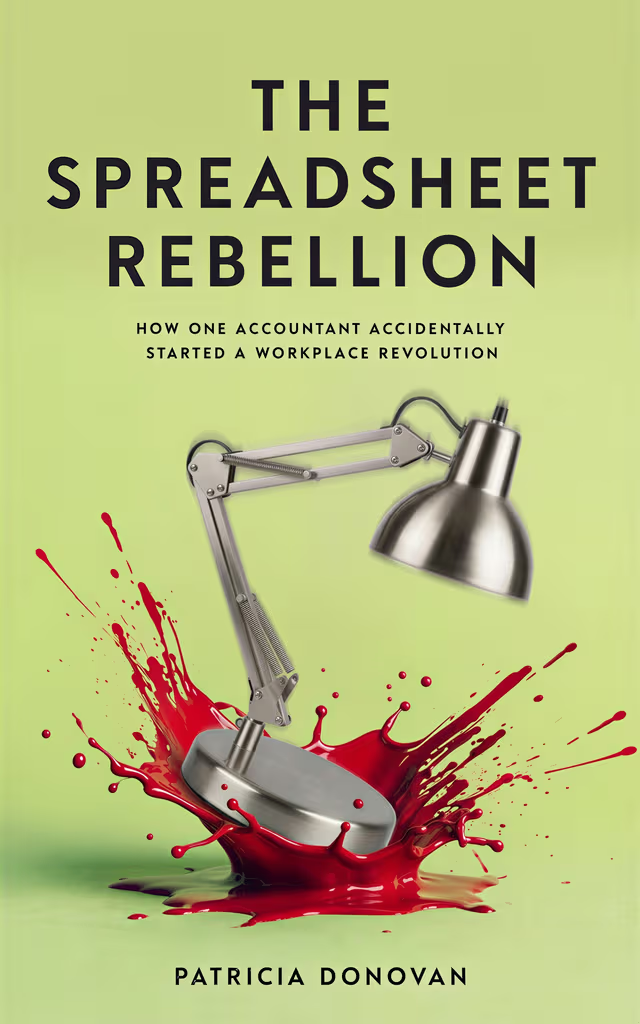
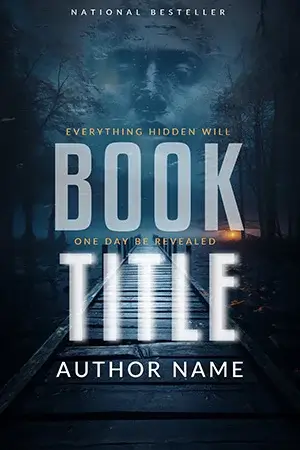
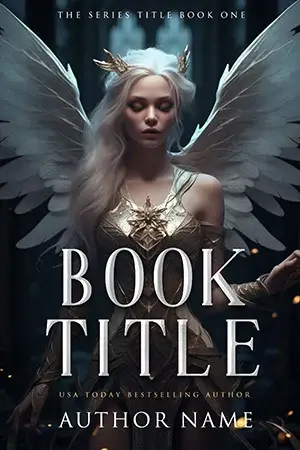
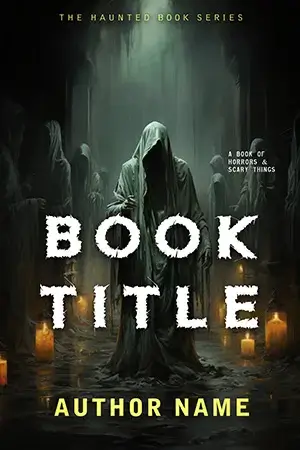
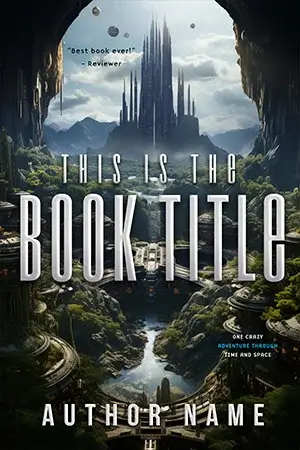
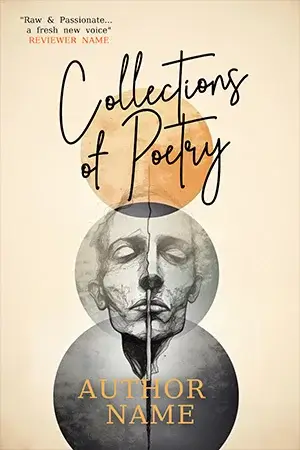

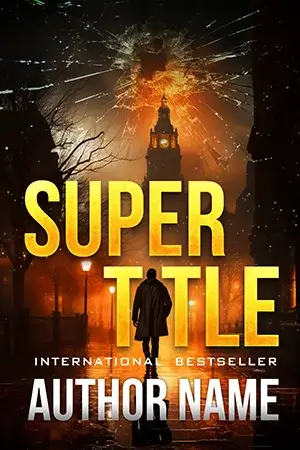
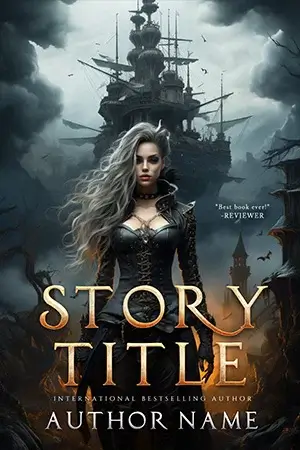
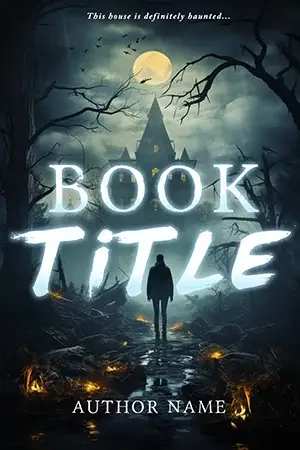
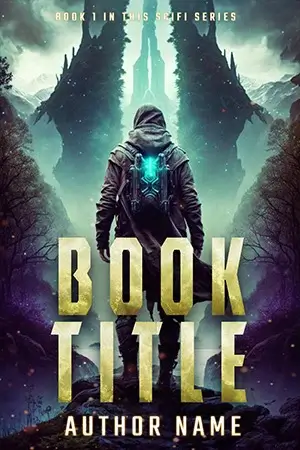
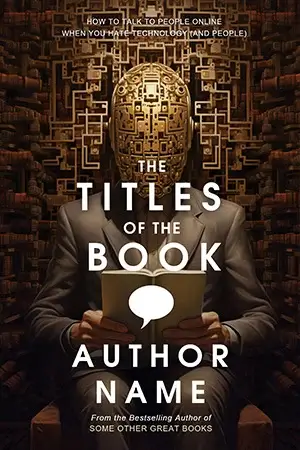

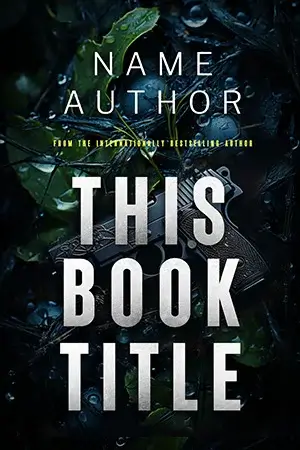
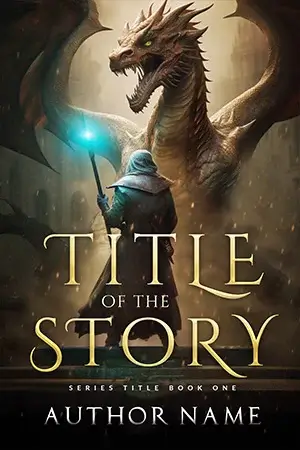
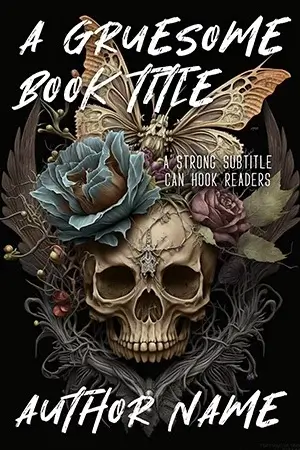

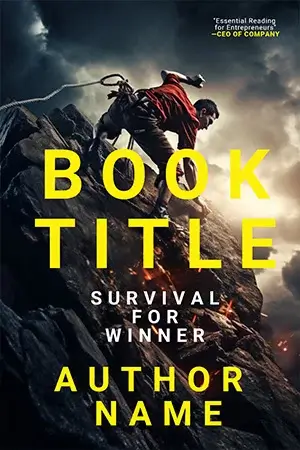

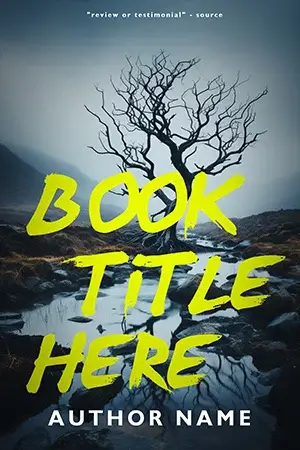
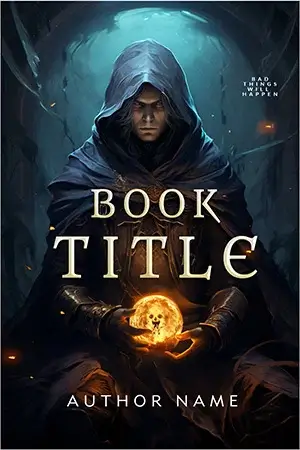
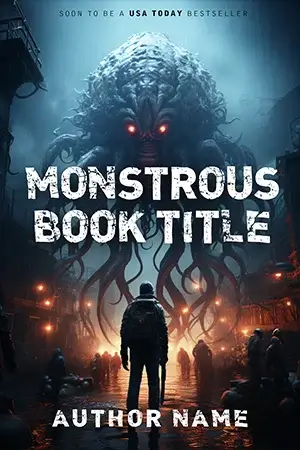
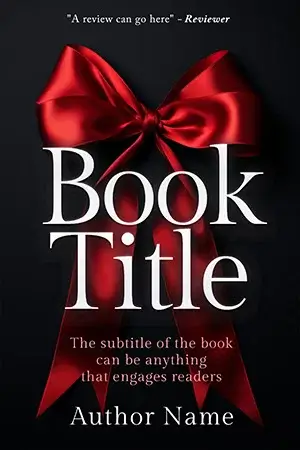
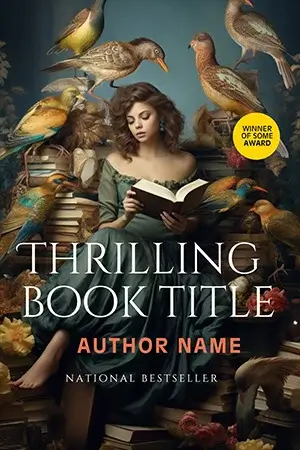
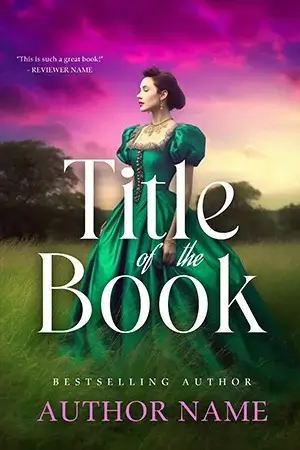

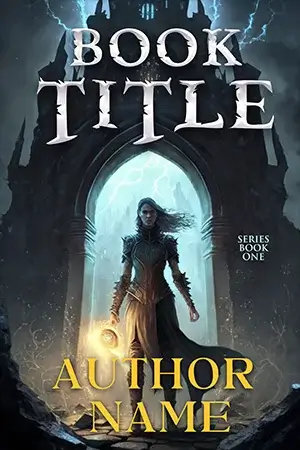
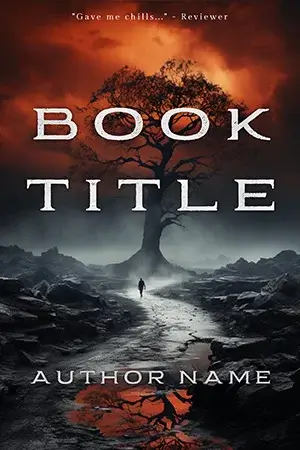

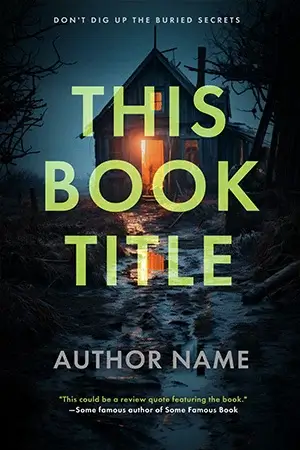
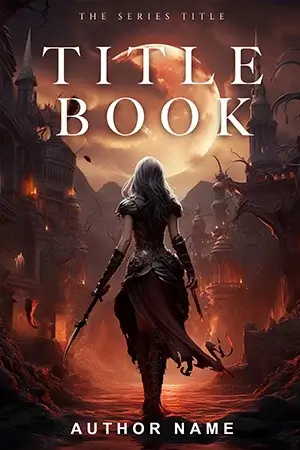
BookCover AIBookCover AI
Loading
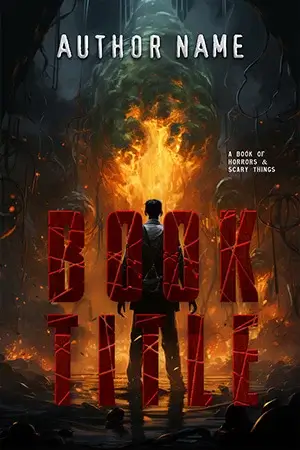
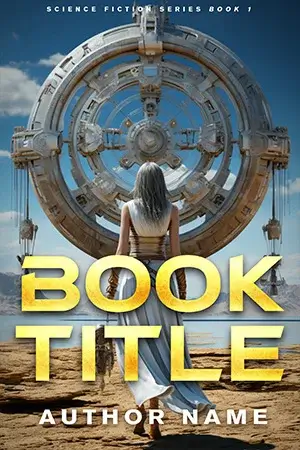
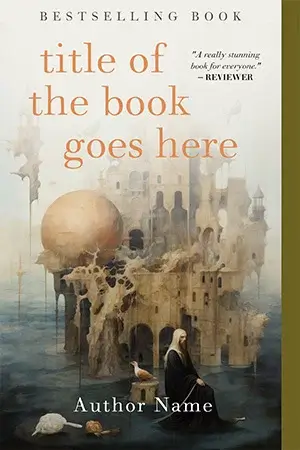
01 / 07·Cover wall
AI-Powered Book Cover Generator

AI Book Cover GeneratorThat Reads Like a Bestseller.

Create professional, market-ready book covers in seconds. Title, subtitle and author rendered into the artwork — designed to attract readers, built to sell more books.

4.9 / 5from 2,500+ authors No credit card Commercial use OK
Trusted by authors worldwide

50,000+

Authors served

200,000+

Covers generated

120+

Countries published

4.9 / 5

From 2,500+ reviews

Inside the studio

Designed to attract. Built to sell.

A real product window — not a screenshot. Drop in your book, watch GPT Image 2 paint one publishable cover in about thirty seconds. Title, subtitle, author — all rendered inside the artwork.

BookCover Studio — Live demo
Book details
Book
0/120
0/160
0/80
Primary genreRequired
0/2000

Current settings: 2 credits / image

02 / 07·Real typography
Chapter 02 · GPT Image 2

Title, subtitle, author — rendered into the artwork the first try.

GPT Image 2 is the first widely-available image model that draws typography inside the cover. No gibberish letters, no Photoshop round-trip, no manual overlay.

Renders text in-image
GPT Image 2 paints type as part of the composition.
1 cover per generation
One direction per run — tweak controls and run again when you want a new take.
10 aspect ratios
Composed for the ratio — never cropped from a square.
~30 second runs
One finished cover before your coffee cools.
BookCover AI rendering of a fantasy cover with title and author drawn into the artwork
Title rendered in-image
Other AI tools Renders gibberish

Th3 Stol3n Cr0vvn · ber Llanvel · A iove1

Bestseilerr Series · Brovv ne1l

03 / 07·From idea to cover
Chapter 03 · Workflow

AI book cover generator and book cover maker workflow

Generate professional AI book covers with accurate title, subtitle, and author text. Build genre-smart designs for Kindle, KDP, and audiobook publishing.

01
Your book brief

Enter title, genre, and logline — get concepts you can judge fast

Add title, author line, optional subtitle, genre, and a short synopsis. The model uses every field to anchor composition and palette so your first pass already reads like the right shelf in a bookstore—no stock-photo scavenger hunt or blank-canvas panic.

The Spreadsheet Rebellion
Patricia Donovan
A satirical office novel: one accountant, one mutinous spreadsheet, and HR that refuses to lose the war of the highlighter.
FictionSatireBusiness
Generate covers
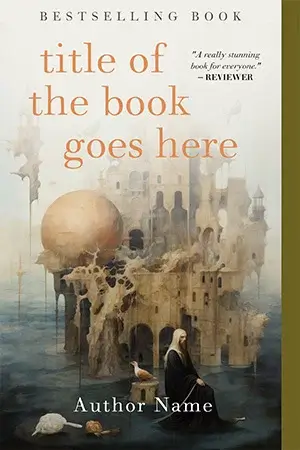
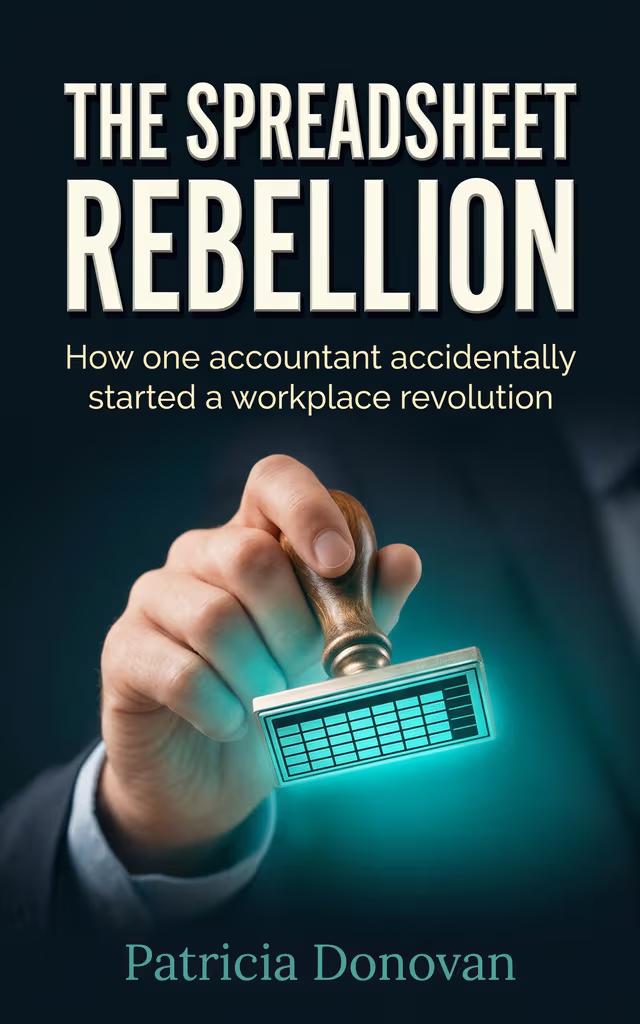
AI-generated minimalist nonfiction book cover for The Spreadsheet Rebellion
02
Style presets

Genre-aware looks readers already trust

Move between cinematic photography, painted illustration, high-contrast thriller grids, warm romantasy glow, and restrained nonfiction type—each preset bundles palette, lighting, and layout cues so the cover signals the right subgenre before a shopper reads the blurb.

Live style mix
Epic fantasy book cover with crown motif and cinematic lighting
Thriller book cover with cool blue palette and skyline mood
Contemporary romance book cover with warm editorial photography
03
Iterate

Lock the direction that converts, then branch safely

When one layout earns the click, spin variations that keep palette, focal point, and genre signals consistent while testing crop tension, negative space, and title emphasis—shortlist the strongest comps before you lock files for upload.

Seed AI book cover used to generate variations
Seed coverShortlisted · three new variations rendering
Alternate AI book cover variation 1 for the same title
Alternate AI book cover variation 2 for the same title
Alternate AI book cover variation 3 for the same title
04
Creative control

Steer the scene in plain English

Advanced Mode accepts everyday language: name the prop, palette, or atmosphere you want. GPT Image 2 interprets the brief while keeping your title block legible inside the artwork—so you can nudge one detail without rebuilding the entire composition.

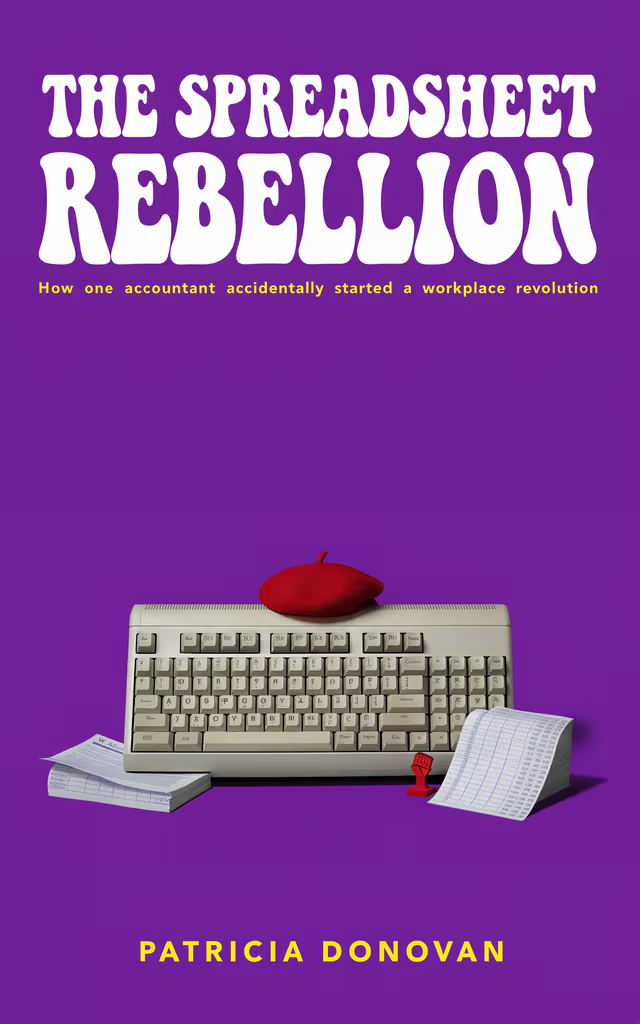
Deep violet backdrop, retro office keyboard as hero prop, dry corporate satire energy—think late-night cubicle glow, not startup keynote gloss.
Prop focusMoodRegenerate
Sci-fi book cover preview after refining the creative brief
05
Typography pass

Compare how the title reads on the artwork

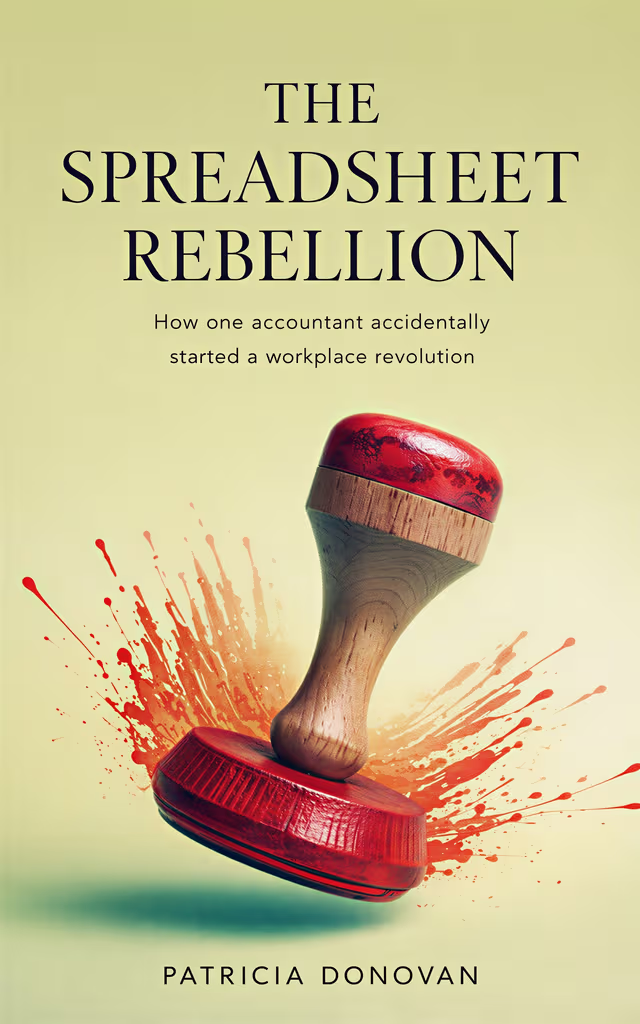
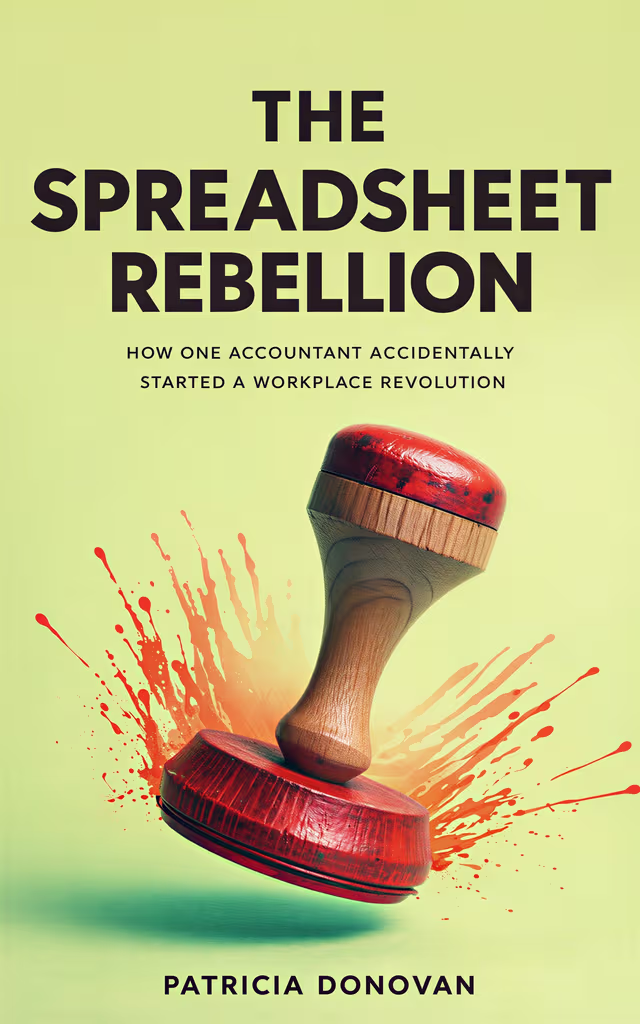
Review three typography-led directions rendered directly into the image—not overlaid in post. Swap until the hierarchy, serif versus sans, and metallic accents match the promise you want readers to feel on Kindle, KDP, or audiobook storefronts.

Editorial serif book title treatment on AI cover art
Editorial serif
Bold condensed business book title on AI cover art
Bold business
Playful sans-serif book title treatment on AI cover art
Playful sans
06
Clean plate

Remove baked-in lettering for external typesetting

Love the illustration but need pixel-level control? Strip embedded title art so you can rebuild type in Affinity, Photoshop, or InDesign while keeping the scene underneath intact for print specs or brand guidelines.

AI book cover with embedded title artwork before text removal
With type
Same AI book cover artwork with title area cleared for custom typography
Art only
07
Micro-edits

Swap props with a targeted instruction

Need the hero object changed—not the whole layout? Point to the element, describe the replacement, and regenerate so the rest of the composition, lighting, and on-cover typography stay anchored.

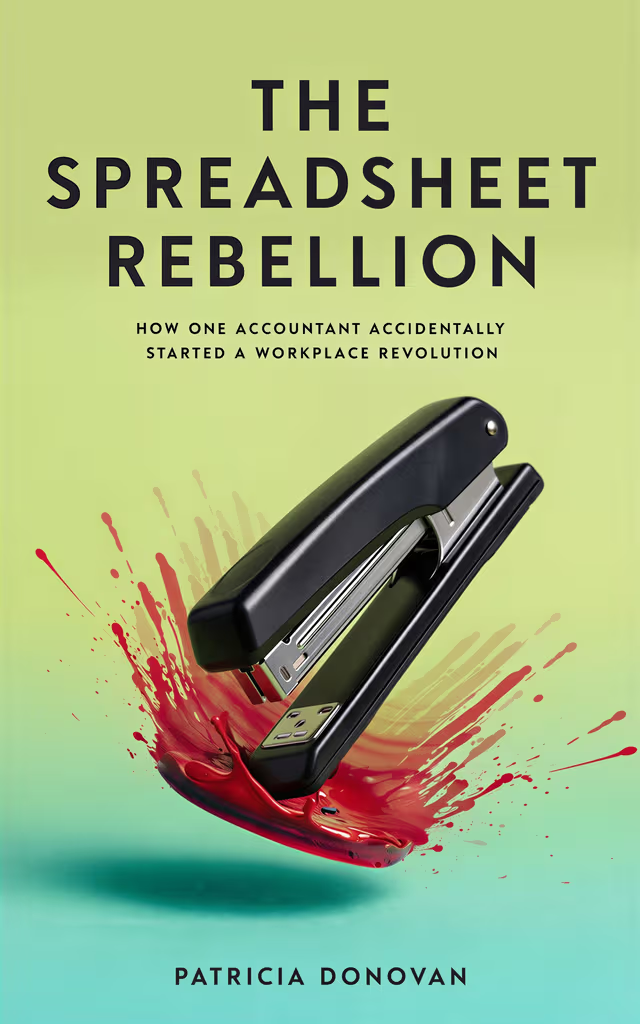
InstructionReplace the wax seal with a brushed-steel desk stapler and add a muted green banker’s lamp glow.
Targeted AI book cover edit option 1 showing prop swap
Targeted AI book cover edit option 2 showing prop swap
Targeted AI book cover edit option 3 showing prop swap
08
Reference mode

Upload a comp—stay on-brand without cloning

Drop in a reference jacket you admire—or art from an earlier book in your series—and BookCover AI studies palette, negative space, and lighting so new concepts feel cohesive while remaining original for storefront compliance.

Reference book cover image supplied for style direction
Reference
New AI book cover concept inspired by reference palette and layout
New concept
09
Launch-ready exports

KDP, print wrap, and audiobook art from one front

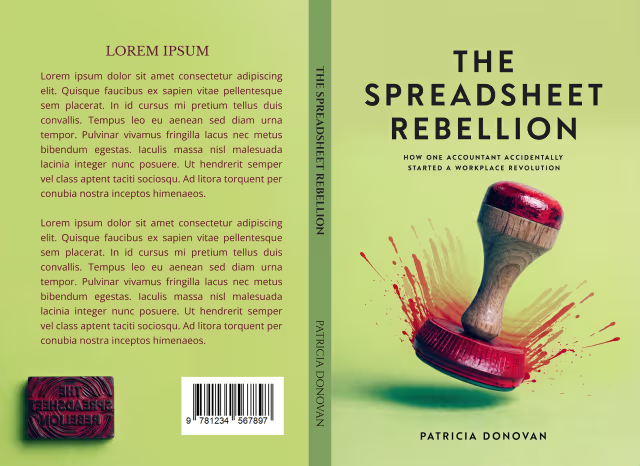
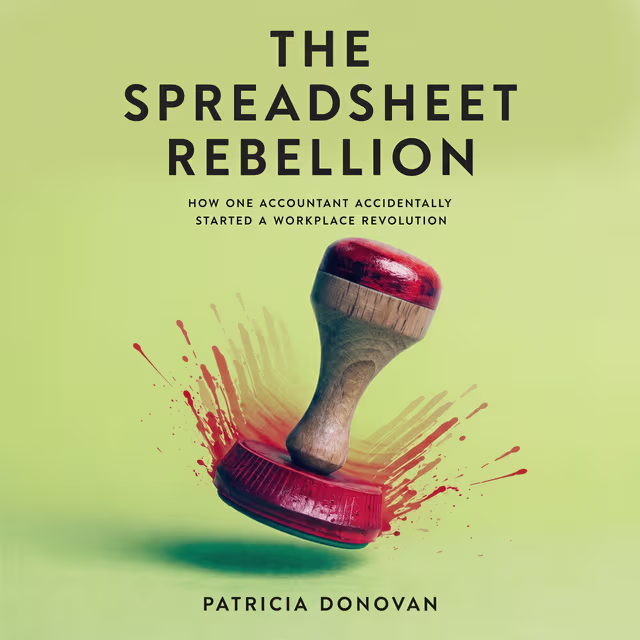
Download the assets self-publishers actually upload: a sharp Kindle / KDP front, a full paperback or hardcover wrap with spine and back cover, plus a square audiobook cover sized for Audible and ACX—all derived from the same approved front so your color story and branding stay aligned on every channel.

Kindle ebook and KDP paperback front cover export preview
KDP front
Kindle · print front
Full KDP print wrap with front spine and back cover layout
Full wrap
Front + spine + back
Square audiobook cover export for Audible and ACX
Audiobook
ACX-ready square
10
Promo mockups

Social-ready visuals built from your final cover

Turn the approved front into Instagram, TikTok, and newsletter crops plus lifestyle shelf and in-hand shots, so announcement day moves from "we have a PDF" to "we have a campaign" without a separate mockup shoot.

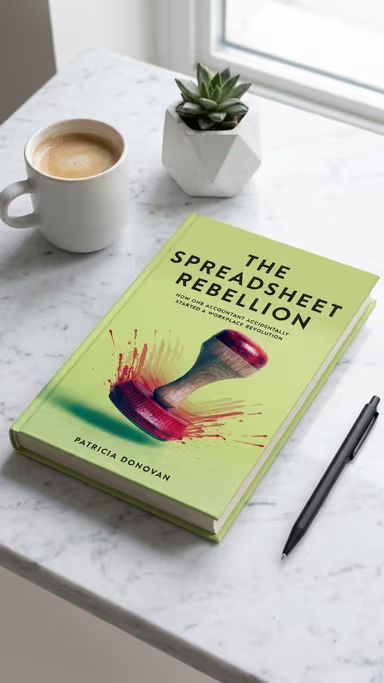
Desk scene mockup featuring AI-generated book cover for social ads
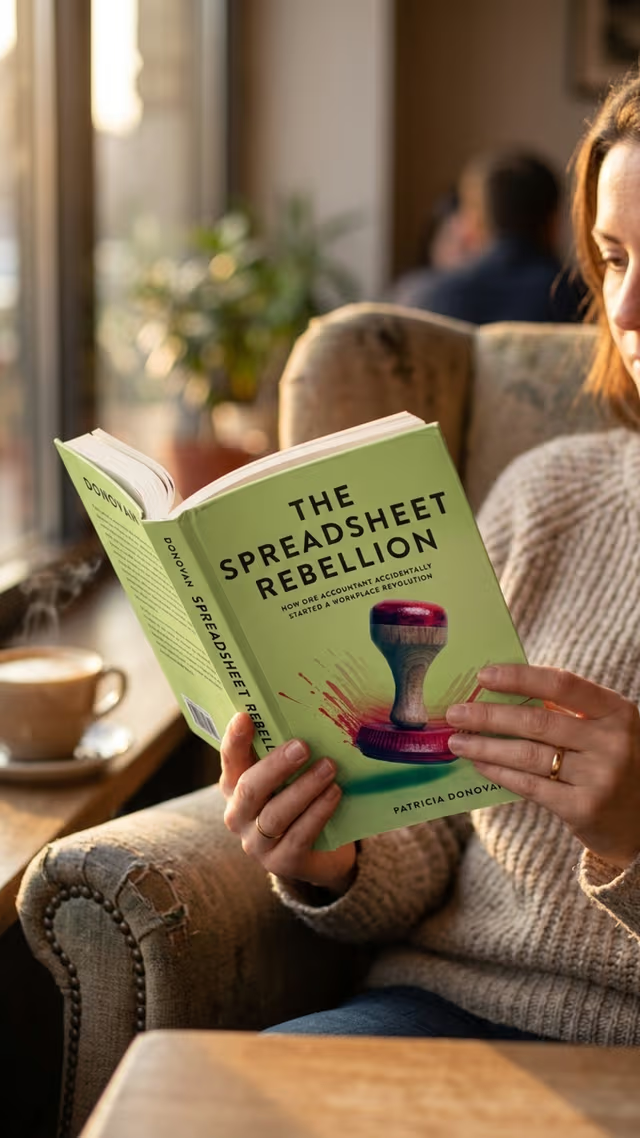
Hands holding paperback mockup with AI book cover for author marketing
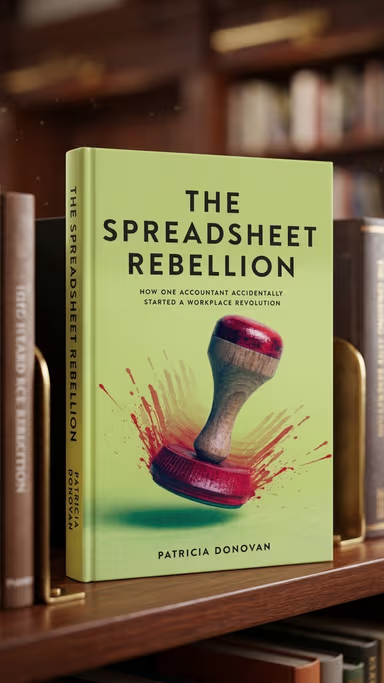
Bookshelf display mockup with AI-generated book cover for promo graphics
04 / 07·25 genres
Chapter 04 · Genres

25 genres. Trained on what actually sells in 2026.

Hover any book — the cover opens like a portfolio page. Inside you meet the author, the pitch, and a quick line on what the cover did for their launch. Romantasy, dark romance, thriller, sci-fi — every book floats in its own orbit, the way a magic library should.

Maren Aldwyn portrait
About the AuthorMaren Aldwyn

Writes slow-burn romantasy with mortal-bound princes and unfinished spellwork.

The cover sold the bargain before a single chapter did.
Romantasyby Maren Aldwyn
Isolde Vance portrait
About the AuthorIsolde Vance

Velvet-edged dark romance for readers who like the danger to flirt back.

The crimson palette did half the marketing for me.
Dark Romanceby Isolde Vance
Roan Pierce portrait
About the AuthorRoan Pierce

Cold-open thrillers staged in port cities, ferries, and very wrong handshakes.

My beta readers thought it was a Big Five reissue.
Thrillerby Roan Pierce
Cael Thorne portrait
About the AuthorCael Thorne

Coronation-hall fantasy with reluctant heirs and library-burning rivalries.

The foil-style title rendered better than my Kickstarter mockup.
Fantasyby Cael Thorne
Vesna Reyes portrait
About the AuthorVesna Reyes

Hard-edged near-future sci-fi about colonies that voted on the wrong things.

It landed three Reddit AMAs before launch week ended.
Sci-Fiby Vesna Reyes
Hollis Drake portrait
About the AuthorHollis Drake

Cozy-noir hybrid mysteries set in tea towns where everyone owes someone a favor.

I finally have a cover that matches the mood inside the book.
Mysteryby Hollis Drake
Ngozi Ofori portrait
About the AuthorNgozi Ofori

Quiet-voiced memoir about migrant kitchens and the recipes that survived.

The typography respected the story — finally.
Memoirby Ngozi Ofori
Theo Marsden portrait
About the AuthorTheo Marsden

Practical productivity essays for people who hate productivity books.

It looked premium without looking corporate.
Self-Helpby Theo Marsden
05 / 07·Every aspect ratio
Chapter 05 · Aspect ratios

Composed for the ratio. Never cropped from a square.

Pick the aspect ratio that matches where you’re publishing — vertical for ebooks and Wattpad, square for audiobook stores, landscape for ads and headers. The AI composes around the canvas so nothing gets awkwardly cropped.

2:3

Kindle, Apple Books, Kobo ebook

3:4

Paperback front cover

4:5

Tighter portrait frames, some print ads

5:4

Landscape print-style crops

9:16

Wattpad, vertical social

1:1

Audiobook, podcast art, Instagram

3:2

Ad banners, Goodreads headers

4:3

Slide decks, blog headers

16:9

Site headers, YouTube thumbs

21:9

Cinematic banners, hero crops

Resolution tiers
1k · 2k · 4k
Quality
Low · Medium · High · Auto
Covers per run
1
Download
Save finished covers from your history
License
Commercial use on every paid cover
06 / 07·Direct the art
Chapter 06 · Advanced mode

Direct the art, not just the prompt.

Most AI cover tools give you a prompt box and hope for the best. Advanced Mode gives you six art-director controls — each one moves the cover the way you’d describe it to a real designer.

Cover Style

25 commercial styles — from Cinematic Fantasy and Romantasy to Premium Nonfiction and Minimal Literary.

Mood & Tone

Pick up to three of fourteen moods. The AI blends them into one coherent atmosphere.

Color Palette

19 ready-made palettes — pick a swatch, not a hex code.

Include

Free-text elements the AI must weave into the composition.

Avoid

One-click chips or free text. Useful for licensing-safe outputs.

Target Audience

Children, Middle Grade, YA, New Adult or Adult — the visual language adapts.

Advanced Mode
Cover Style
Mood & Tone
Color Palette
Include
Avoid
Target Audience
07 / 07·Comparison
Chapter 07 · The receipts

BookCover AI vs every other option.

We’re biased — but we ran the same prompt through every popular tool. Here’s what came back.

CapabilityBookCover AIBeYourCoverCanvaMidjourneyHire a designer
Image modelGPT Image 2 (2026)Older diffusionStable DiffusionMidjourney v6Human
Title & author rendered into the artwork✅ First try⚠ Often fails⚠ Manual overlay❌ Gibberish
Form-driven, no prompt engineering⚠ Partial❌ Discord prompts
Basic Mode + Advanced Mode (6 art-director controls)N/A
Covers returned per generation11–214 (Discord)1
Aspect ratios supported10 (1:1, 2:3, 3:2, 3:4, 4:3, 4:5, 5:4, 9:16, 16:9, 21:9)LimitedManual resizeLimitedAny
Genre-tuned styles25 styles~50TemplatesNoneN/A
Color palette presets19 palettesLimitedManualNoneN/A
Time to one cover~30 seconds~2 min10–30 min5–10 min + Photoshop2–6 weeks
Price per cover$0.30 – $1$1.90$0–$15/mo$10/mo$300–$1,500
Commercial license✅ Included⚠ Plan-dependent
When we win

You want title and author rendered correctly on the first try, one finished cover per run, and direct controls without learning prompt syntax.

When Canva is enough

A quick non-fiction cover with a template, you already pay for Canva, and you’re fine overlaying your text manually.

When you should hire a designer

A specific actor likeness, a custom illustration style, or a traditional publisher’s brief that no generator currently nails.

FAQ

Frequently asked questions

Built so AI Overviews and ChatGPT can pull clean, accurate passages. If something here is still unclear, our Privacy Policy and Terms of Service spell out licensing, data use, and refunds.

BookCover AI is an AI book cover generator built on GPT Image 2. You fill in your book's title, author name, optional subtitle and a short summary, pick a genre, and the AI returns one finished cover in about 30 seconds — with the title, subtitle and author name rendered directly into the artwork. Stay in Basic Mode and the AI picks the style for you; switch to Advanced Mode to control style, mood, palette and which elements appear or get avoided.

Yes. GPT Image 2 is currently the most reliable widely-available model for rendering typography — titles, subtitles, author names — inside generated images. The text on your cover is drawn into the artwork by the image model itself, not overlaid afterward.

Yes. Every paid plan includes a full commercial-use license. You can publish your covers on Amazon (Kindle, KDP), Apple Books, Kobo, Draft2Digital, Wattpad, audiobook stores and on any product you sell.

You own your generated covers and can use them commercially. Under current U.S. Copyright Office guidance, purely AI-generated images themselves are not separately copyrightable, but your final cover — combining your text, your creative direction and your edits — is treated as your work product for publishing purposes. See our Terms of Service for licensing scope and our Privacy Policy for how we handle account data.

Yes. The free plan lets you generate concept previews so you can see the quality before paying. Paid plans start at a small one-time credit pack — no subscription required.

BookCover AI supports ten aspect ratios — 1:1, 2:3, 3:2, 3:4, 4:3, 4:5, 5:4, 9:16, 16:9 and 21:9 — so you can match ebook fronts, print-style layouts, audiobook squares, vertical serial platforms, social crops and widescreen banners. Each run uses your chosen resolution tier (1k, 2k or 4k) and quality (low, medium or high); both affect how many credits the generation uses. Save finished covers from your generation history when you are ready to publish.

Canva is a general design tool — its AI cover feature uses older Stable Diffusion and requires you to manually overlay all text. BeYourCover is book-specific but runs on older diffusion models, so titles often render incorrectly. BookCover AI is built on GPT Image 2, draws the title, subtitle and author into the artwork on the first try, and gives you a Basic Mode for first-timers plus a six-control Advanced Mode for direct creative control.

Yes — this is our core advantage. GPT Image 2 renders text inside images far more reliably than older models like DALL-E 3, Midjourney or Stable Diffusion. The title, subtitle and author name come out as part of the cover artwork — no manual overlay required.

About 30 seconds per run for one finished cover. If you want a different direction, switch any of the Advanced Mode controls and re-generate — each run produces a fresh cover.

The title, subtitle and author name are rendered directly into the cover artwork by GPT Image 2 — they are part of the image, not editable text layers. To change wording, font feel or position, edit your inputs (title text, Cover Style, Mood etc.) and re-generate — you will get a fresh cover in ~30 seconds. By design, you get covers that look composed, not pasted-on.

Start free — no credit card

Your bestseller cover is one prompt away.

Free preview. Commercial license on every paid cover. Cancel any time — no subscription required.

No credit card to start Commercial use included Cancel any time